
PiDash
For Raspberry Pi tinkerers, on iPhone
Your Raspberry Pi, always in your pocket.
Monitor system stats, SSH in, manage files, and control Docker containers from your iPhone. PiDash talks straight to your Pi over SSH, with nothing in the middle.
iPhone only · iOS 17 or later · No account needed
Real-time
Live CPU, memory & temp stats
Secure by design
SSH keys in the iOS Keychain
Multi-device
Your whole fleet in one app
Privacy first
No relay, no cross-app tracking
Features
Everything you need to run your Pi
PiDash is a mobile command center for your Raspberry Pi: the tools to monitor, control, and manage it from anywhere, without opening a laptop.
Live system dashboard
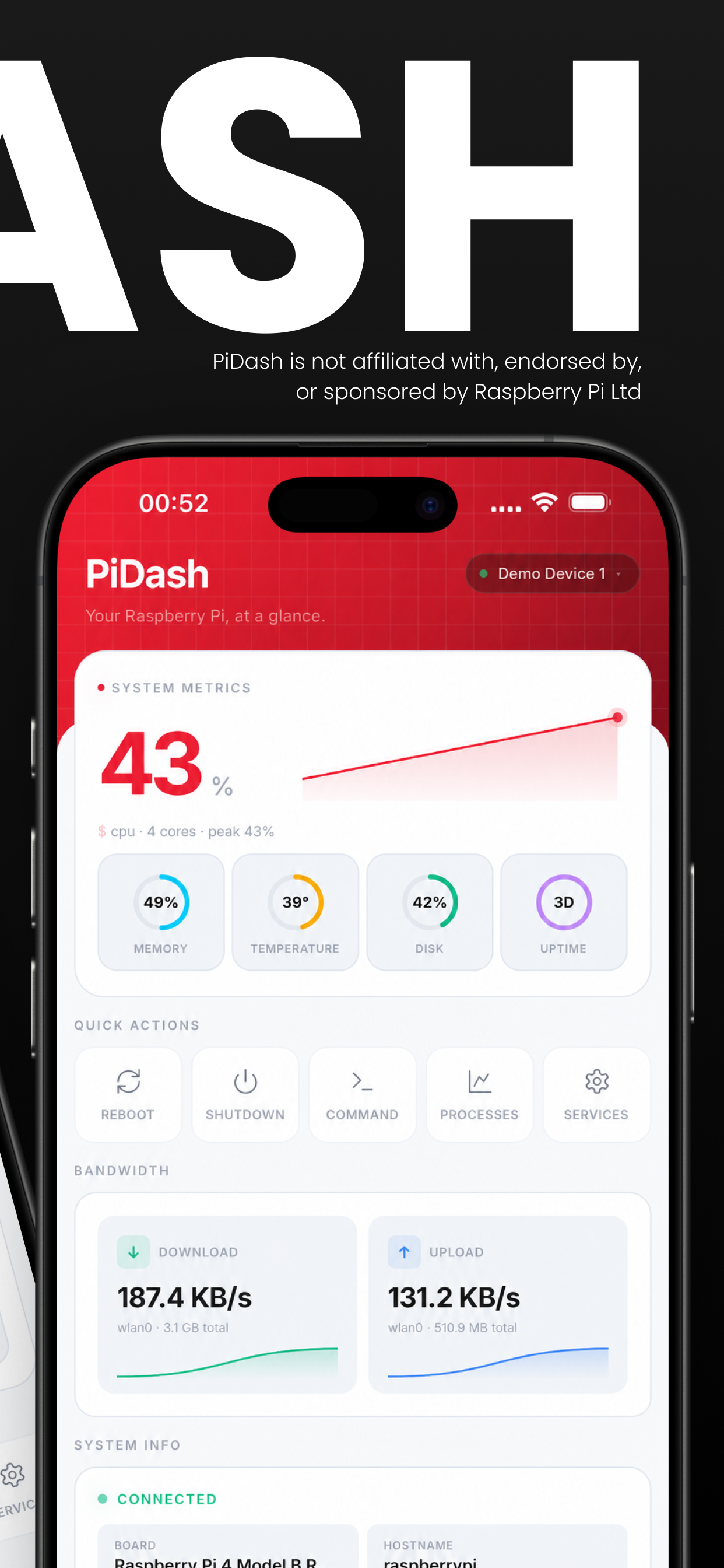
CPU, memory, temperature, disk, and network in real time, with gauge charts and sparkline trends. See every Pi's health at a glance, plus processes and storage breakdowns.
A real SSH terminal
A full interactive SSH terminal with ANSI color, multiple sessions, command history, and a custom keyboard row for the keys a software keyboard forgets. Quick commands one tap away.
Files and Docker
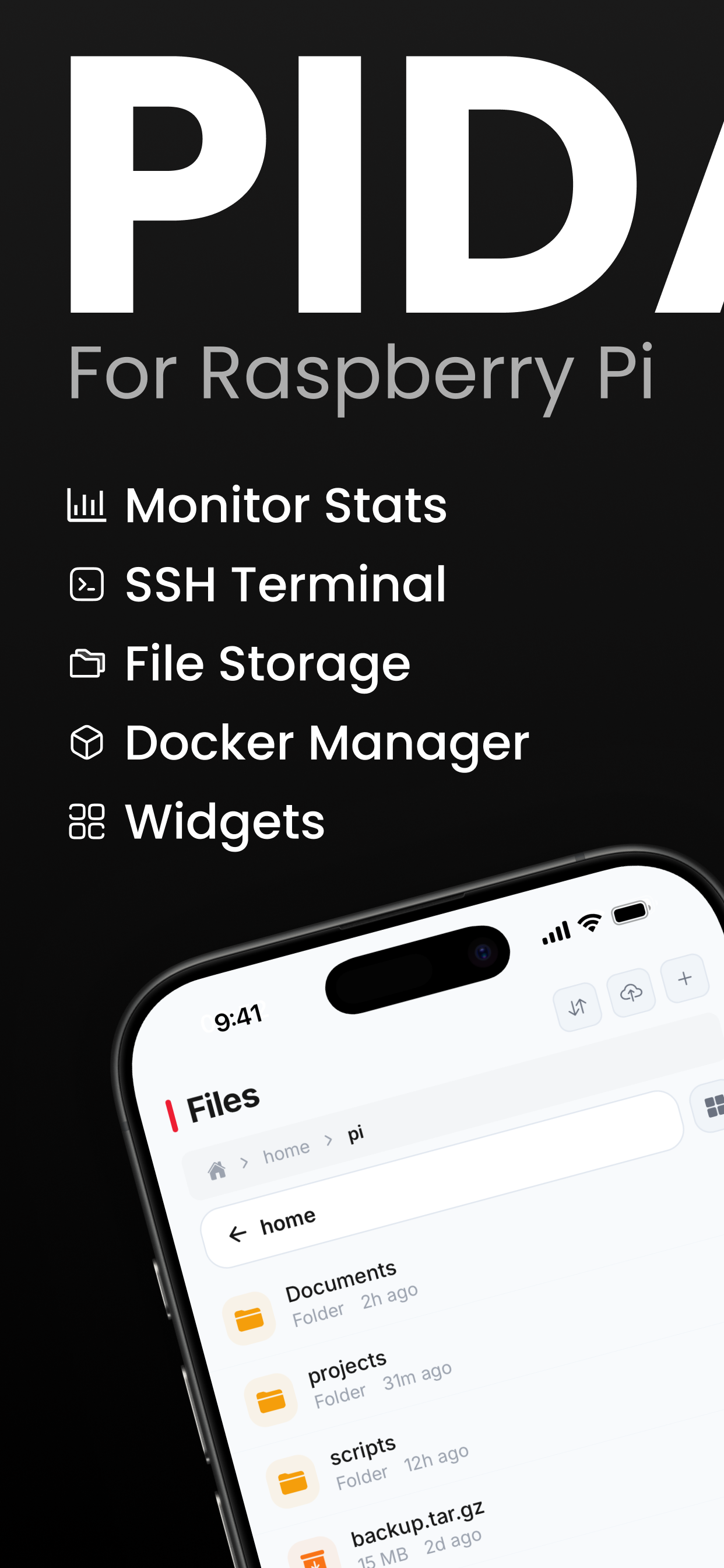
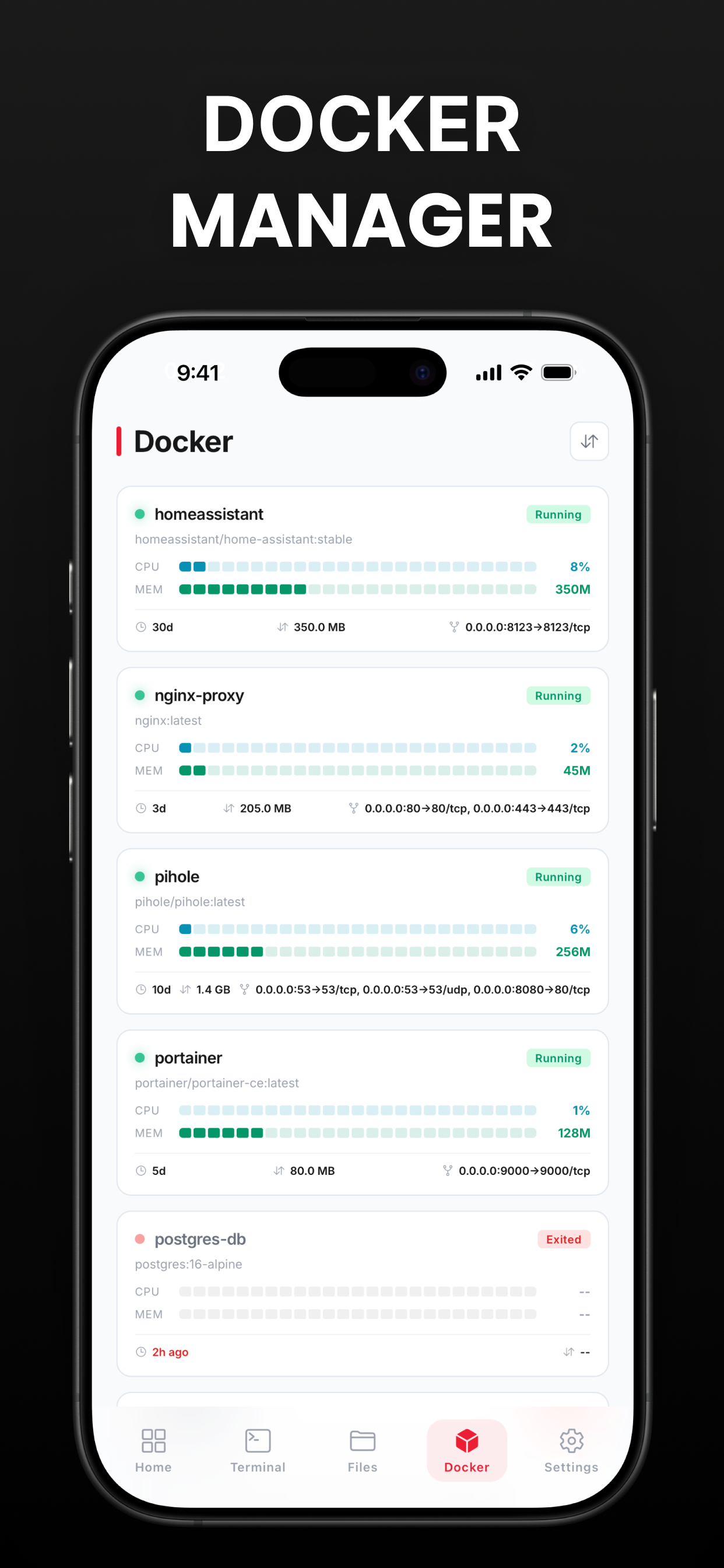
Browse, upload, download, and edit files over SFTP. Start, stop, and restart Docker containers, watch live logs, and check per-container stats, all from the same app.
How it works
Up and running in minutes
Three steps to take full control of your Raspberry Pi from anywhere. No sign-up, no cloud account, no middleman.
01
Connect
Add your Pi's hostname or IP and your SSH credentials, password or key. PiDash connects directly over SSH to any Raspberry Pi or Linux box. No account to create.
02
Monitor
Watch live CPU, memory, temperature, disk, and network in a real-time dashboard with trend charts. Pin metrics to a home-screen widget that refreshes on its own.
03
Control
Drop into the terminal, move files over SFTP, drive Docker containers, and run commands, all from your pocket. Manage a whole fleet of Pis from one app.
In the app
What it looks like
Privacy
Zero cloud. Zero relay.
PiDash is an SSH client, not a service. Your system data, terminal sessions, files, and Docker commands travel directly between your iPhone and your Pi. SSH credentials live only in your device’s encrypted Keychain.
Keychain only
Credentials encrypted on-device.
Direct SSH
Phone to Pi, no proxy in between.
On-demand
Stats fetched live, cached locally.
Delete to wipe
Remove a device and it's gone.
Ready to take control?
Download PiDash and start managing your Raspberry Pi from anywhere. Try it in demo mode before you connect a single device.

iPhone only · iOS 17 or later